

11 types of smart gadgets to consider pairing with your Ring doorbell
Your Ring doorbell can work in tandem with lots of other smart devices.
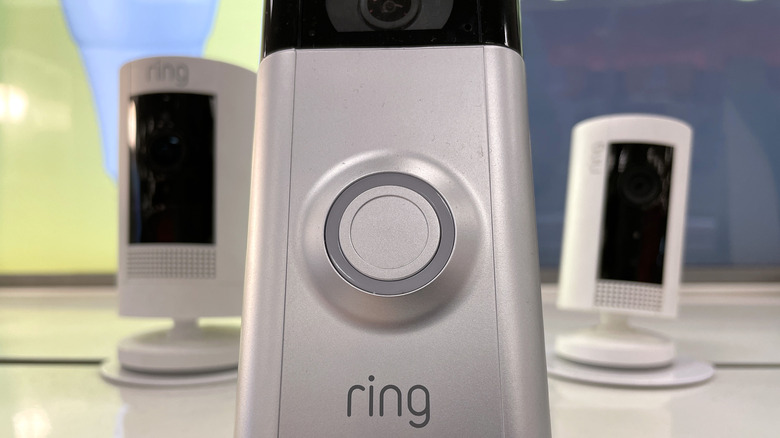
Your Ring doorbell can be so much more than just a doorbell. Of course you're familiar with its helpful functions, like high-resolution video up to 4K, Live View, Two-way Talk, 3D Motion Detection and night vision. What you may not know is that your Ring doorbell can seamlessly connect to all kinds of other smart home gadgets.
The Ring's compatibility with so many smart home devices can make your life much more convenient by simply pairing them and controlling them all through the Ring app.
Security cameras, accessories and locks
Why limit your view to just your porch when you can pair wired and wireless cameras throughout your entire property? Ring alone offers more than two dozen security camera options to pair with your doorbell, including indoor and outdoor spotlight and floodlight cameras. If you're looking to pair a camera not made by Ring, you can do so through the Ring Alarm Pro Base Station and Ring ONVIF support. This enables your Ring system to pair with dozens of other brands, as long as their cameras are ONVIF-compatible.
Besides cameras, your Ring doorbell is directly compatible with Ring panic buttons, window and door sensors, glass break sensors, sump pump monitors, smoke and carbon monoxide listeners, and air-quality monitors — all controllable through the Ring app — for even more peace of mind. It's important to note, however, that some of these sensors and accessories may require the Ring Alarm Base Station hub to connect directly with the Ring app. It's a good idea to check your Ring app to find out which accessories are directly compatible.
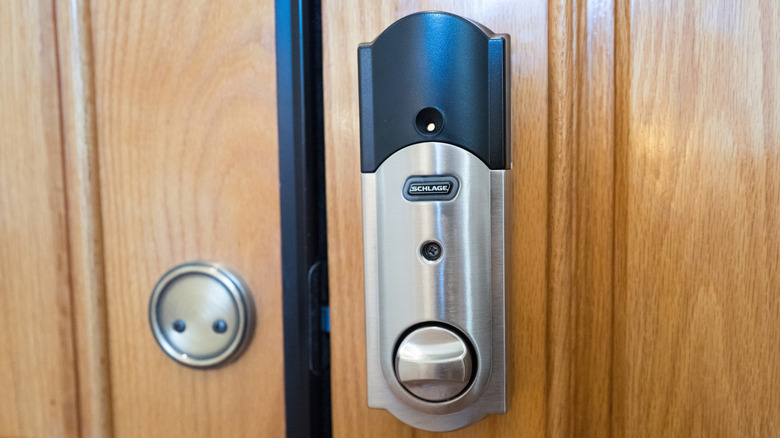
You can also connect certain smart locks directly through the Ring app without needing the Ring Alarm Base Station. If you already have the Ring Alarm Base Station, however, your options increase quite a bit as more manufacturers make smart locks that can be connected to your Ring through the base station via Z-Wave radio frequencies. These locks allow you to lock and unlock your door through the Ring app, a PIN or your key.
Outdoor smart lights and plugs
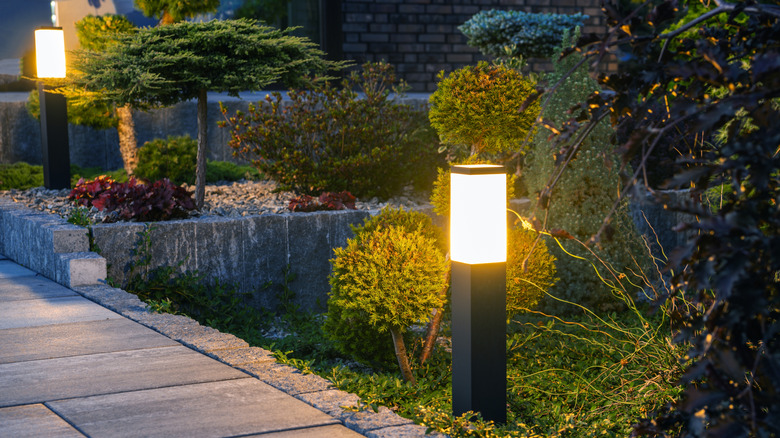
Through the Ring app, you can set up a wide range of lighting options, like outdoor spotlights, steplights, floodlights, wall lights and path lights... even some that are solar-powered. By adding outdoor lighting options, you not only improve your Ring doorbell's camera performance with extra light, but you can also create customized lighting zones, turn lights on and off when you're not home, and program the lights to illuminate when motion is detected.
If your home is already equipped with landscape lighting, you can still connect it to your Ring system through the Ring transformer so you can control it through the Ring app. Third-party wireless smart bulbs and other lighting accessories, however, can't be directly connected through the Ring app. But there are workarounds. For example, with the Ring outdoor smart plug, you can turn any "dumb" lights (like most holiday lighting and inflatables) into smart ones by simply plugging them into the smart plug and controlling them with the Ring app.
Smart thermostats, TVs and water valves
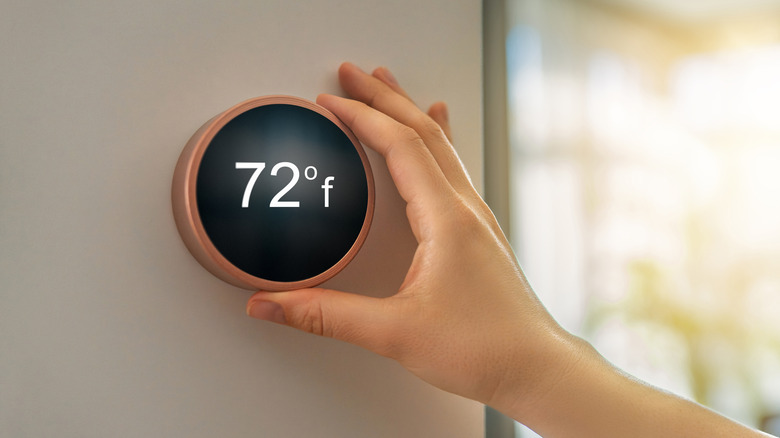
Taking advantage of your Ring doorbell isn't limited to outdoor devices. For example, if you own a compatible smart thermostat, you can connect it to your Ring app and control your home's climate right from the Ring dashboard in your app.
And if you want a better look at what's going on outside your home, there's no better way than on a big-screen smart TV. Through an Amazon Fire TV or Fire TV Stick and the Alexa app, all it takes is a simple voice command through your Alexa remote to show you the front door. Fire TV systems even support picture-in-picture, which pops onto your screen as soon as your doorbell button is pushed. But Ring viewing is also available with newer Samsung Smart TVs through Samsung's SmartThings smart home platform. While the experience isn't quite as smooth as with Fire TVs, the SmartThings app does let you connect your Ring doorbell and manually open the camera to view it on the SmartThings dashboard on your TV.
A very useful — and underappreciated — device you can pair with your Ring doorbell is a smart water valve, which allows you to remotely shut off your water supply in the event of a leak to prevent potentially disastrous flooding. Installation requires plumbing the smart water valve into the main water line and then setting up the valve through the Moen Smart Water app. Ring also integrates with some third-party Z-Wave smart water valves.
Car cameras and garage door openers
Yes, you can even bring Ring technology into your vehicle with the Ring Car Cam and the Ring Car Tracker and Alarm. The dual-facing Car Cam mounts onto your dashboard and keeps an eye on your surroundings, whether the car is parked or in motion. The Car Tracker and Alarm plugs right into your vehicle's OBD-II port and sends push notifications if there are disturbances, including physical impact, a door that's been forced open or towing. This device also offers GPS tracking of your car on your Ring dashboard. Both car accessories are easily integrated into the Ring app so you can keep tabs on everything right on your phone.
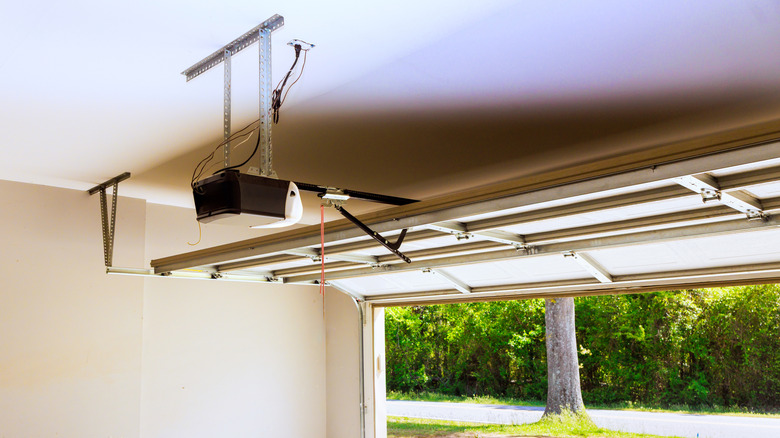
You may already have a smart garage door opener for your home, but pairing it with your Ring doorbell makes life just a little bit easier. Compatible several major garage door opener brands, the Ring app essentially serves as a shortcut for your garage door, so you have quick access to check on your home.
By integrating the apps, you can instantly check the status of your garage door on the Ring app dashboard as you view your doorbell and/or camera feeds. This also lets you control your garage door right from your Ring screen, so you can open and close it without using your garage door app. A nice bonus is that this app integration also delivers access to Amazon Key in-garage delivery, which provides Amazon drivers with access to your garage door and allows them to slip your packages securely into your garage before closing the door.
Amazon Alexa-connected devices
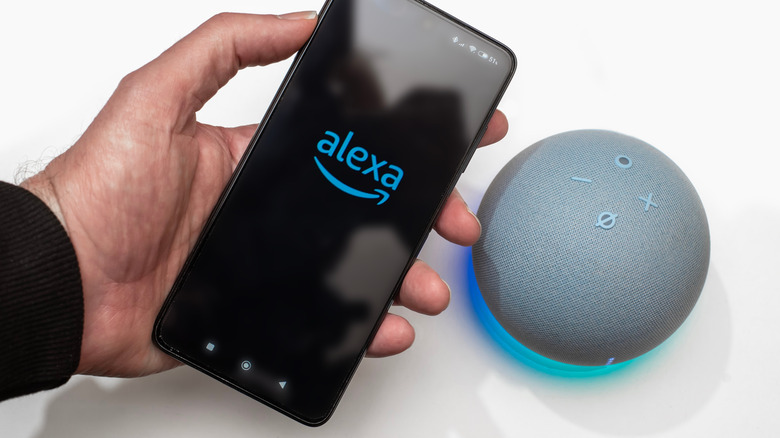
You've probably noticed that Ring doorbells are easily paired with Amazon services and devices. That's because Amazon owns Ring, so that effortless integration is intentional by design. And it's quite convenient if you own an Echo Show, Echo Dot or Fire TV. By syncing your Ring doorbell with your Alexa-controlled Amazon device, you can easily set up announcements whenever someone is at your front door, instantly view the live stream of your camera by simply asking Alexa to show you the front door and even communicate with whoever is at your front door through any Alexa speaker... all without ever having to look at your phone.
The Alexa integration is also beneficial if you want to connect third-party devices and gadgets that aren't directly compatible with your Ring doorbell. These include smart lights and bulbs, smart plugs and switches, thermostats, locks, and TVs. All you need is the Alexa app to set it all up and view it in your Ring app.