

Where should you place your Wi-Fi router for the best internet?
Don't reduce your router's capabilities by stuffing it into a cabinet in the corner of the room.
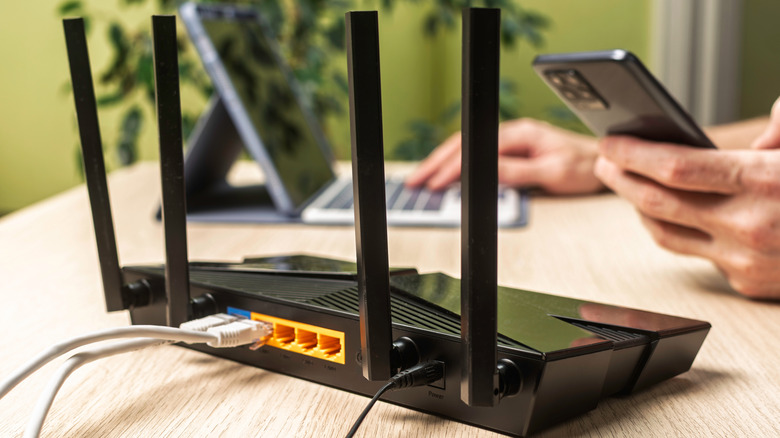
A weak Wi-Fi signal isn't always a sign of your router going bad or ISP issues. More often than not, it's an indication of a placement problem. Wi-Fi routers broadcast signals in all directions, but the signal weakens over distance, so where you place your router affects the signal quality that reaches your devices. A router stuffed into a corner will likely send much of its signal outside the house where no one needs it. There's also the fact that other electronics can interfere, degrading signal quality simply by being too close.
The best spot for your Wi-Fi router differs depending on your building and where you want it to cover. For example, if you're covering an apartment, the best place for your Wi-Fi router will likely be somewhere that's central and away from electronics that weaken signals.
Where to place your Wi-Fi router for the strongest signal
First, find a central and elevated spot in your home, away from sources of interference, so the router can evenly distribute signal across your space. This could be a side table, desk or even the top of a cabinet. If need be, consider making or buying a stand for the router. Next, keep the router in the open and away from corners, so the signal doesn't wastefully broadcast outside or get blocked.
If your house has two stories, you should move the router closer to the ceiling if it's on the ground floor, or closer to the floor if it's on the second level. Your router's antenna positioning matters too. For single floors or apartments, vertical antenna placement is best. For buildings with multiple floors, angle at least one antenna to about 30 degrees, then keep the others vertical.
Before you settle for a position, you'll need to run speed tests to make sure you've picked the best spot. Run the first test before you start adjusting your router to get an idea of its current performance. Next, run tests while you're adjusting the router's position so you can get a clear read on how each position affects your signal quality and internet speed.
To get the most out of your router, you'll need to minimize interference. Keep your router away from item that interfere with Wi-Fi signals, including metal objects, thick walls (especially metal and concrete), Bluetooth devices and microwaves, which interfere with your router's 2.4GHz band.
Keep in mind that the 2.4GHz band has a longer signal range but slower speeds, while the 5GHz band has a shorter range with faster speeds. So connect devices where speed and stability matter most, like desktop PCs and gaming consoles, to the 5GHz band. Then keep devices that are far away, move a lot or don't need a ton of speed on the 2.4GHz band.
When to use a Wi-Fi booster or mesh system
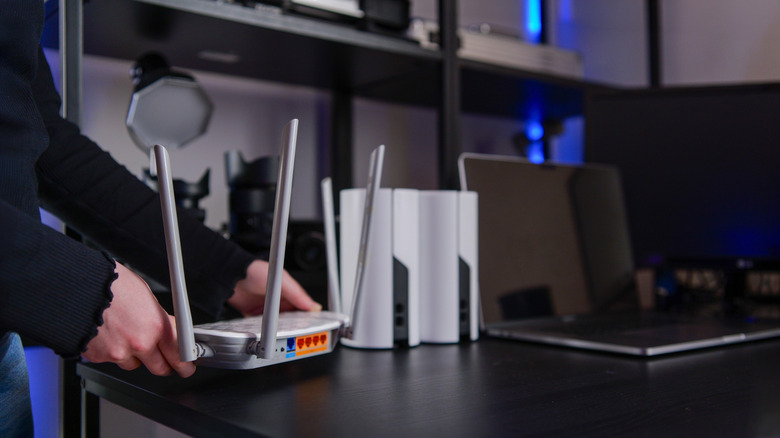
Sometimes, no matter how well you position the router, it still won't cover dead zones. This is especially true for large buildings, or those with three or more floors. In that case, you'll need a Wi-Fi booster (often called a Wi-Fi extender or repeater) or a mesh network.
The best Wi-Fi extenders boost your router's signal coverage by capturing said signal and repeating it to nearby spaces. But this usually comes at the cost of halving your bandwidth, and getting the right Wi-Fi extender placement can be tricky in large spaces. It's a good solution if you want something that's cheap and easy to set up, and don't have a large space to cover. But extenders are often a pain.
Top mesh systems solve the same problem and offer superior performance compared to extenders, but are more expensive. Unlike extenders, mesh systems use nodes that you place in dead zones to extend coverage while keeping everything on a single network. And tri-band systems avoid the pitfall of halving your bandwidth. Mesh systems are a better choice for larger buildings, multi-story homes, and spaces with several dead zones where a single extender isn't enough.