

Why is your phone overheating while using CarPlay or Android Auto?
Phone placement, weather and wireless charging can all play a part.
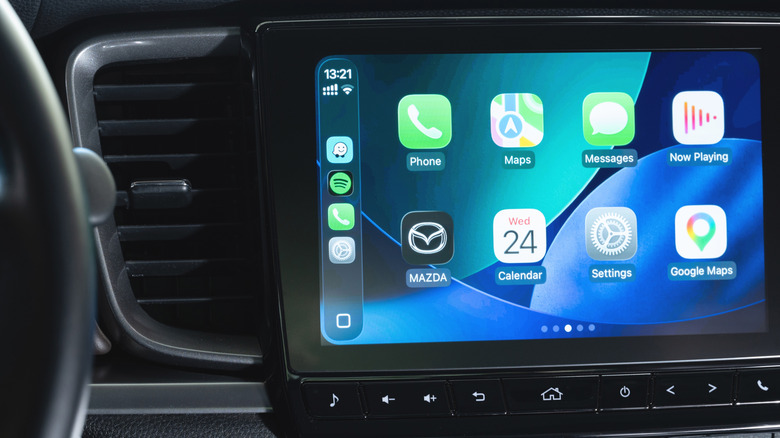
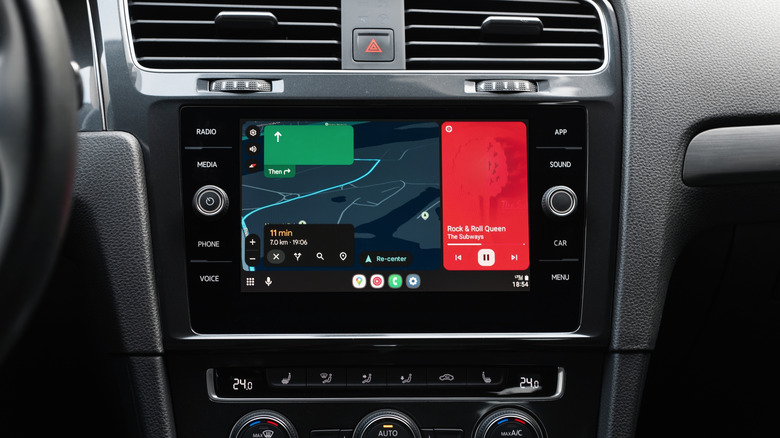
If you own a modern vehicle and a smartphone, you probably find CarPlay or Android Auto as indispensable as we do. Sure, you can always tap on your phone in a mount, or dare to rely on your car's built-in apps. But even a 6-inch phone screen can feel tiny from behind the wheel, and those built-in apps are often slow or poorly designed. With phone projection, you've got a number of high-performing apps ready to go in any compatible vehicle — even rentals.
There are drawbacks. For one thing, both platforms can suffer from cut outs at specific locations, which can be linked to electromagnetic interference. Your phone is a weak link in many respects, actually. CarPlay navigation can run substantially smoother on 5G than 4G, even if you have a relatively recent iPhone. The obvious explanation is that apps like Apple Maps are constantly processing data as you drive.
If your phone starts to overheat, that can make matters far worse. To prevent crashes or damage, it may need to throttle performance, halt charging or shut down completely. Why does using CarPlay or Android Auto make this a possibility, though? Blame it not just on environmental conditions, but power and software demands.
Why your phone might run hot
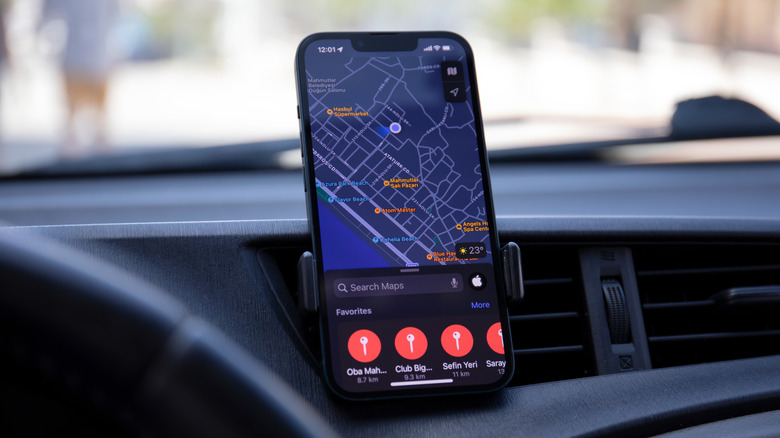
In some situations, environmental conditions could well be the main factor. If your phone is exposed to bright sun for hours at a time, it's naturally going to soak up a lot of heat. It's probably a bad idea to use a windshield mount if you're driving through the Texas Hill Country in July. On the flipside, a vent mount could be problematic during a frigid Chicago winter if you turn the heater up full-blast.
More often, it's a combination of elements. For one thing, if your phone is sitting on a wireless charger, that automatically generates more waste heat than charging via USB. You don't need to be in your car to discover this. If you've got a Qi or MagSafe charger at home, try touching the back of your phone after it's been attached for a while — it's going to be noticeably warm. Even wired charging will raise temperatures somewhat if it's non-stop.
Meanwhile, your phone is usually being asked to handle several tasks at once. The most demanding is navigation, since an app like Apple or Google Maps will not only transfer data over 4G or 5G, but also render 3D terrain while trying to match it against your GPS location. You might also have music or podcasts going simultaneously, not to mention all the background tasks your phone normally performs. The only practical ways to push your phone harder are 4K video editing and console-quality 3D gaming.
The wireless versions of CarPlay and Android Auto invoke your phone's Bluetooth, Wi-Fi and cellular radios simultaneously. Bluetooth establishes the initial handshake. After that, cellular connects to the internet, and Wi-Fi links apps to your car's dash. This burns through a lot of juice, as you may have noticed if you've ever driven around town for an hour without charging. It's arguably reckless to attempt an intercity trip without plugging in.
How can you keep heat under control?
On shorter trips, including those around town or journeys to the outskirts, avoid charging mid-drive unless you're already low on power or you won't have an opportunity to plug in again for a long time. If you do have to charge, choose USB over wireless when that's an option. The heat created by Qi or MagSafe isn't inherently problematic — but switching to USB may be all you need to rein things in.
Otherwise, pay attention to the AC and heating levels in your car, as well as where you rest your phone. We've already talked about vent placement. You can also run into trouble if your phone is sitting in a console tray or the passenger seat, however, depending on how the sun is hitting it. If you've got the AC going, take advantage of this with a mount, or else aiming the vents.
There's usually not much you can do to keep your phone's software under control. You might consider switching to 2D-only maps if those are available, or holding off from using audio apps when you're okay with radio, conversation or even silence.
You can also reboot your phone periodically when you're back on foot, too. This clears system caches and restarts system processes, improving performance efficiency. If you've taken care of that and cabin temperature, there's no reason for your phone to run hot during every ride.