

Expensive flash drives: When and why it's worth paying more
Faster transfers are only part of the story when you're deciding whether a premium flash drive is worth it.
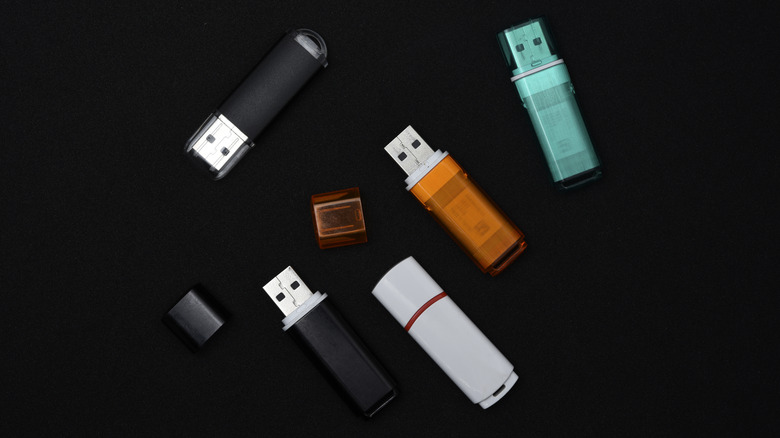
Flash drives aren't the first device you think about when considering the current sky-high cost of RAM and storage, but they've certainly been affected. Thanks to AI and data center demand, NAND flash prices have risen significantly. USB drives haven't absorbed those increases dollar for dollar, but cheap flash memory can no longer be taken for granted either.
That makes the price difference between various flash drives more interesting. While two drives of the same capacity may cost vastly different amounts, usually the extra cost brings something you'll notice: faster transfers, stronger security or hardware better suited to life outside a desk drawer.
Still, expensive doesn't automatically mean better. The trick is figuring out what you're actually paying for.
Faster transfers are a clear benefit of spending more
USB 3.0 was the first major successor to USB 2.0. It bumped the maximum theoretical transfer speed to 5 Gbps, compared to the earlier standard's 480 Mbps. From there, USB naming got complicated. The two following standards were initially called USB 3.1 and USB 3.2, but everything was retroactively changed to use "Gen" names.
The group behind USB now recommends using the max transfer rate for clarity, instead of "USB 3.2" followed by the generation — these cap out at 5 Gbps, 10 Gbps or 20 Gbps. Thus, if you see "USB 3.2" on a box, it doesn't necessarily indicate how fast that drive will be. You'll need to check the transfer rate elsewhere in the specs.
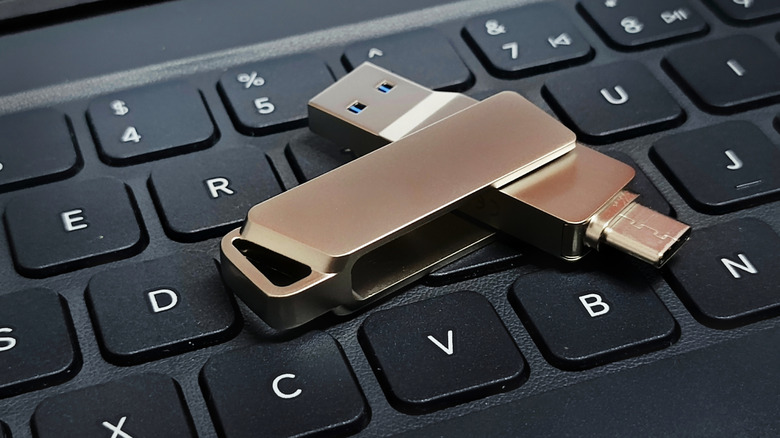
USB-C doesn't fix this problem either. USB-C is a connector type, not a performance promise, so USB-C devices can run at USB 2.0 speeds. What USB-C can give you is convenience. Having both USB-A and USB-C connectors on a single drive makes it easier to switch between older PCs and newer laptops, tablets or phones without having to carry an adapter around.
It's the actual read and write speeds that count. For example, Kingston rates its DataTraveler Max at up to 1,000 MB/s reads and 900 MB/s writes. In a 10GB transfer test, Tom's Hardware measured Samsung's cheaper Fit Plus at 319.7 MB/s reads and just 58.4 MB/s writes. That gap won't matter much when copying a PDF, but a folder full of 4K video is a different matter.
A USB driver's controller handles tasks such as error correction and write management, while the flash memory itself also influences performance. Unfortunately, flash drive manufacturers don't always disclose enough about those components to make them easy to compare. Actual speeds can also drop during long transfers, so anyone regularly moving hundreds of gigabytes should pay special attention to sustained write performance rather than assuming the largest number on the package is what you'll always get.
Sometimes you're paying for factors other than speed
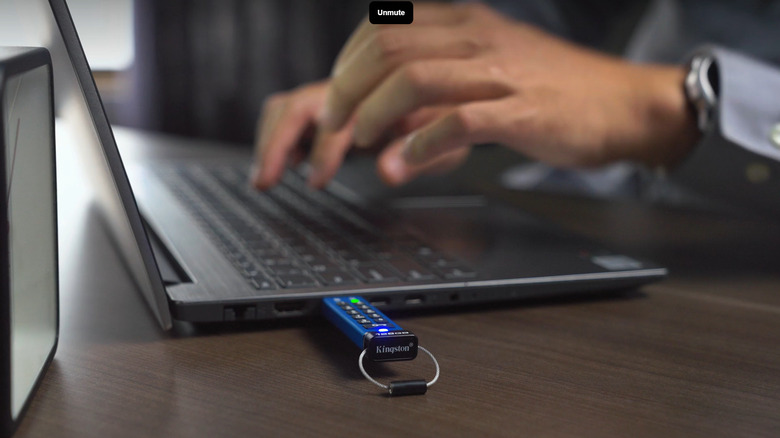
A premium flash drive doesn't need to top a benchmark to warrant its cost. The Kingston IronKey Keypad 200, which focuses on security instead of speed, is a good example. It has a physical keypad, XTS-AES 256-bit hardware encryption, brute-force protections and FIPS 140-3 Level 3 validation. These are advanced features not found in basic flash drives that protect the device from physical tampering and technical attacks. Yet its fastest variants are rated at 280 MB/s reads and 200 MB/s writes. The idea isn't to make the progress bar disappear faster, but to make the files much more difficult to access if the drive goes missing from your pocket.
Capacity can push up the price too. While you can find 2TB flash drives, packing more storage onto your keyring doesn't guarantee strong performance. In the same 10GB test mentioned earlier, Tom's Hardware measured the tiny 1TB SanDisk Extreme Fit at 318.3 MB/s reads and just 82.52 MB/s writes. It also came close to blocking the adjacent USB-C port on the reviewer's laptop.
Ruggedness is another reason to consider spending more. Samsung rates its BAR Plus for protection against water, shock, extreme temperatures, magnets and X-rays. It also has a five-year limited warranty. That matters if your flash drive lives on a keychain, in a camera bag or anywhere else less hospitable than your desk.
None of those features makes an expensive flash drive a substitute for a proper backup, though. If you're looking for a USB drive for occasional documents, installers or file transfers, then a good, inexpensive USB 3.x drive might be enough. But if you're willing to spend big bucks for capacity and sustained speed, compare the price with top portable SSDs. External SSDs are often the better choice for regularly moving large amounts of data, or for extra storage that sits permanently attached to your computer.