

What are the actual differences between cheap and expensive smart TVs?
Even the cheapest TVs today support 4K UHD, so what are you actually getting with a better model?
Take two smart TVs — one cheap, one expensive — and put them side-by-side. The specs, at a first glance, might seem similar. Both could offer 4K UHD resolution, include support for HDR playback, and feature your favorite streaming services like Netflix. Then what does the extra $1,000 between them actually get you?
To determine this, you need to push the smart functionality to the bottom of the list, because the extra cost comes down to the tech itself. The TV's display panel is often the biggest part of the cost, along with hardware underneath that helps prep each frame. Whether those improvements will matter to you depends on what you're using your TV for.
The panel has the biggest impact
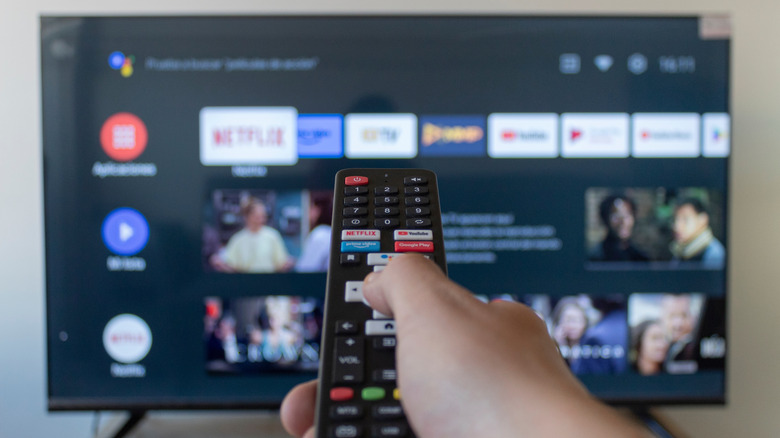
Display panels are the core component in your TV; without them, you can't see anything. As a result, the quality of that panel has the biggest impact on your TV-watching experience. It's also where most manufacturers cut costs, so while that cheap TV can output the same 4K content as the expensive model, they're not quite the same.
Most cheap smart TVs from brands like Hisense or TCL use LCD panels with a fairly basic LED backlight. The LEDs sit around the edge of the screen, or just behind it, but they're not great for accurate light control. As a result, the darks look gray, while bright objects might look more striking than they should, especially in dark environments.
As you go up the pricing scale, the panel technology gets more advanced. QLED TVs, for instance, use a quantum-dot layer to produce a better range of colors. Mini LEDs make the LED backlights smaller, producing more local dimming zones to better brighten and darken the screen. The latest Micro RGB TVs, meanwhile, uses separate red, green and blue LEDs to give the backlight more precise control over both the color and brightness.
Nothing quite beats an OLED, though. With these, each pixel can produce its own light and switch off completely. The end result is a striking and vibrant picture. OLED TVs have much finer control over each part of the image, too, giving you perfect blacks without any backlight spilling over. They're typically the most expensive, although that doesn't mean they're the best option for every room.
Expensive TVs have better specs
Think of a smart TV a little bit like you would a PC. A cheap PC is good for light browsing, but you wouldn't expect to play modern games on it because the hardware isn't powerful enough. Like a cheap PC, a low-end smart TV might have the same apps as an expensive model, but a faster processor can make all the difference.
That processor is responsible for a lot of the heavy lifting involved in your TV can properly playing what you want to watch. Before displaying anything, the TV has to decode the video it receives. The dedicated system-on-a-chip that powers the TV's smart functionality does this, turning (often compressed) video streams into the frames you're able to see.
Once it's done that, it can start working on the picture. It might need to upscale to make lower-resolution video fill the bigger, 4K-capable panel. A cheaper smart TV will often lack some of the advanced processing found on higher-tier models, such as AI-assisted upscaling that tries to reconstruct fine detail as the image is enlarged.
It's all down to the system-on-a-chip that powers it. A more capable processor is able to enlarge the image while keeping it sharp, but cheaper processors with weaker upscaling might leave it looking soft or with harsh edges. The end quality will differ in everything you view on the display. The screen's refresh rate is another factor, which is most relevant for gaming. Low-end TVs are limited to 60Hz, while better TVs can match the 120Hz output modern consoles like the PS5 are capable of (in compatible games).
There's also a more obvious sign that you're using a cheaper smart TV: menu speed. A less powerful TV will be slow to respond, especially in apps. It can even cause some lag as the processor is pushed to its capable limits. While expensive smart TVs aren't immune to this, they are typically more powerful, so you shouldn't see slowdown — at least not for a while.
HDR support isn't equal
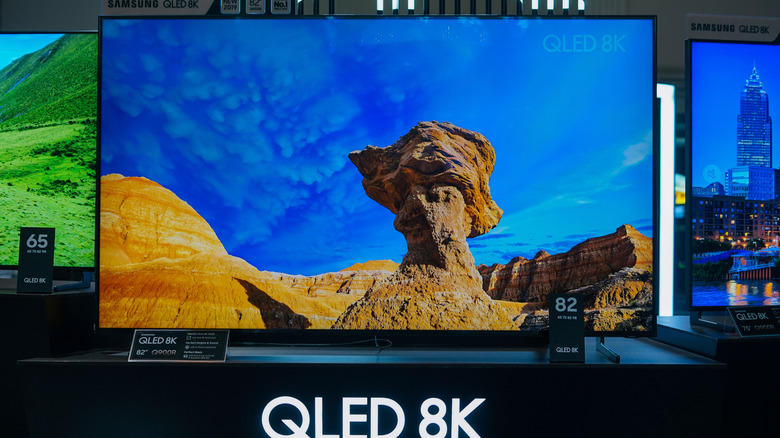
High dynamic range, or HDR, is supposed to increase the difference between the darkest and brightest parts of an image. Bright highlights will stand out, while darker areas retain more of their detail. This can make a big difference on a TV designed to show it properly.
Almost every cheap TV you can buy today is sold with a slapped-on "HDR" badge that suggests it supports this feature. That's true in the technical sense, but you're unlikely to get a convincing HDR picture from a budget smart TV. It all comes down to brightness and contrast levels: the panel needs to produce strong highlights without lifting the black levels across the rest of the screen. If it isn't bright enough, those highlights won't stand out. If it can't control that light accurately, the deep blacks you're hoping for will probably look gray instead.
More expensive TVs are usually better at HDR because their panels can reach higher brightness levels and control that light more accurately. Processing power can improve the result by tone-mapping HDR output to suit the display as best it can, but it can't overcome an inferior panel.
What does the extra money get you?
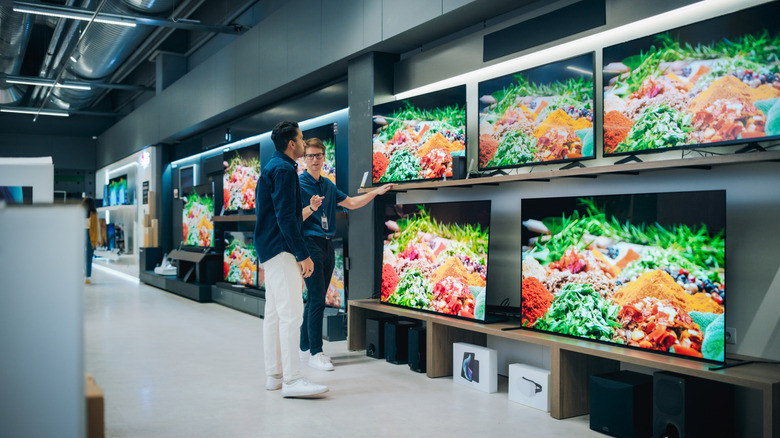
You're not spending money to unlock extra content when you're choosing between a cheap or expensive smart TV. A budget smart TV can run most of the same apps as a more expensive model, and even play the same 4K, HDR-ready videos. The core difference comes down to how well the screen displays that content, including navigating through the menus to reach what you're interested in.
A better panel costs more, and much of the increased cost goes into providing better brightness and color accuracy. Faster processors cost more too, but help avoid lag in menus and and during playback, which is often the biggest problem with any cheap TV. More powerful TVs are also better at upscaling lower-res video to the panel size, and will come with better functionality. There are smaller differences too, like the build quality and number of HDMI ports.
How important any of this is, however, is up to you. If you just want a secondary TV for watching YouTube videos, a cheaper display should be fine. If you're a hardcore gamer, or a movie aficionado who wants to enjoy 4K films, the upgrades on a better display will easily be noticeable.