

6 ways to make the most out of your Apple Wallet
Apple Wallet is great for payment cards, but it does so much more once you get beyond the basics.
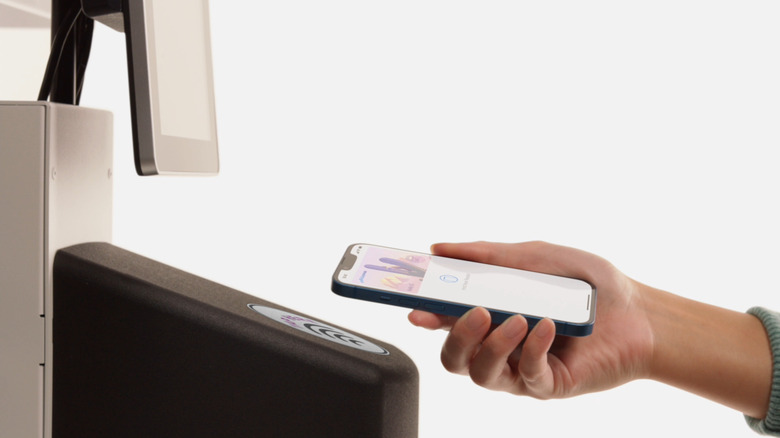
These days, you'll often hear the unmistakable chime of Apple Pay more than you see people pulling out their actual wallets to buy something. Apple has come a long way since rebranding Passbook to Apple Wallet with iOS 9 in 2015. More than a decade later, Apple Wallet is much more than a digital repository for boarding passes or movie tickets.
That's even more evident with the newest features found in iOS 27. While the latest software update includes some quality-of-life upgrades like making custom passes and splitting bills, you might have missed some of the tricks Apple Wallet already has. Beyond creating digital copies of your credit cards, we've compiled a list of ways to maximize what you get out of Apple Wallet. To check them out, open the Wallet app on your device and visit Settings > Wallet & Apple Pay.
Make custom passes
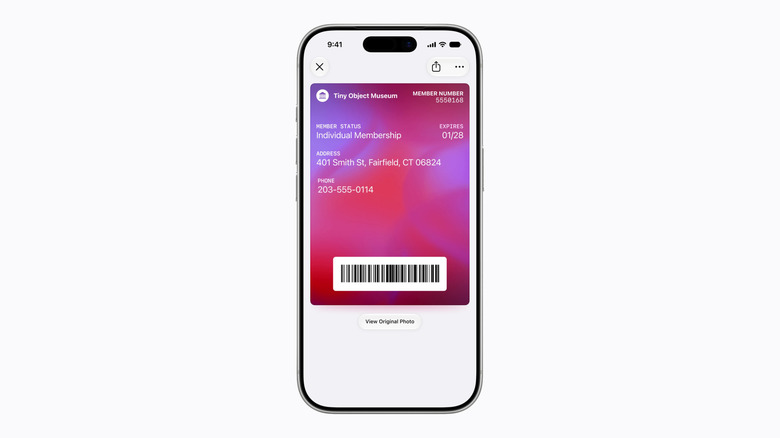
Apple has regularly grown the list of companies that are compatible with Wallet, but this still doesn't cover everything. While third-party apps can work around this, in iOS 27, you're able to natively create custom passes for apps that don't already hook into Apple Wallet. This might include your gym's scan tag or a Costco membership, for example.
You can let Apple Intelligence figure it out by snapping a photo of your physical pass, or you can start with a template using the Standard, Membership or Event choices. Beyond registering the barcode or QR code for your custom pass, the new feature lets you add more info like names, dates, membership numbers or admission type. You can even customize each pass with different backgrounds and color schemes.
Split bills with Apple Intelligence
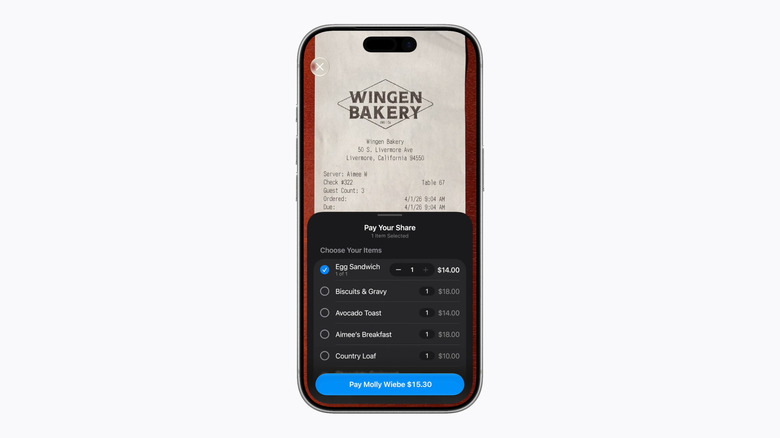
In classic Apple fashion, a third-party app category has been made obsolete with a new Wallet feature in iOS 27. With the latest update, Apple Wallet offers the ability to split a bill by simply looking at a receipt. No more opening up Splitwise or Tab; you can just take a picture of the receipt to settle a bill through Apple Cash.
It looks like Apple is keeping the bill splitting feature exclusive to Apple Cash, so it won't work with outside apps like PayPal or Venmo. Still, the feature factors in item quantities, tax and tips, while directly giving you an option to request payment or pay your part of the bill.
Create digital IDs or passports
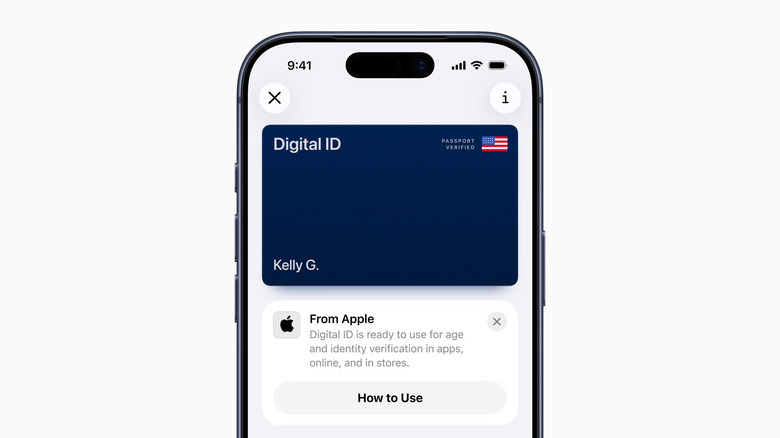
Traveling is always a stressful endeavor, especially when you're double-checking to make sure you have your passport on you every five minutes. As it turns out, you can skip all that dread with the help of Apple Wallet, which is able to create digital copies of an eligible driver's license or US passport. Currently, 15 US states and Puerto Rico support driver's licenses and state IDs in Apple Wallet, while the US is the only participating country for virtual passports. Check Apple's Digital ID page to see if your state is on the list.
Your Digital ID in Apple Wallet can be used to prove your age or identity at certain businesses and venues, but it can also get you through TSA checkpoints for domestic flights. However, you'll still need your physical passport for international travel or crossing borders.
Tap to pay for public transit
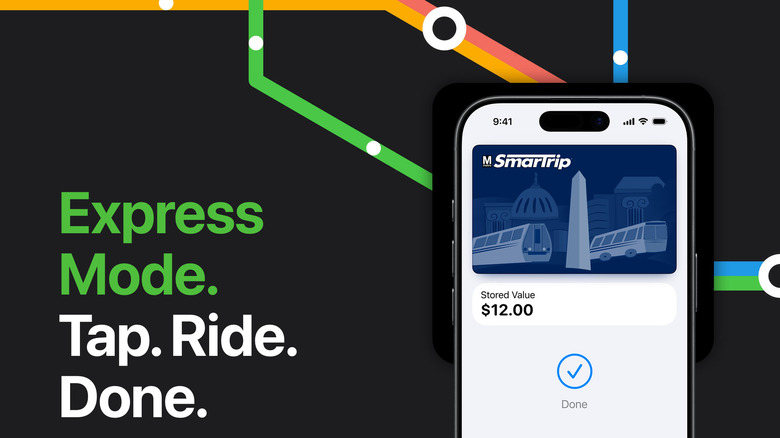
Long gone are the days of needing a physical card to swipe into New York City's subway system or paying for the Los Angeles Metro bus with exact change. Instead, you can set up payment options for participating public transit systems in your Apple Wallet that rely on your iPhone or Apple Watch's contactless payment feature.
Express Mode makes the process of paying for transit even faster, since it doesn't require you to wake or unlock your iPhone or Apple Watch. Also, Express Mode can still work for a few hours even after your iPhone battery reaches zero percent. This state is known as power reserve mode, where your device provides a low-power signal so you can still access critical keys and payments until you're able to charge it. This doesn't work if you turn your device off, though.
Leave the keys at home
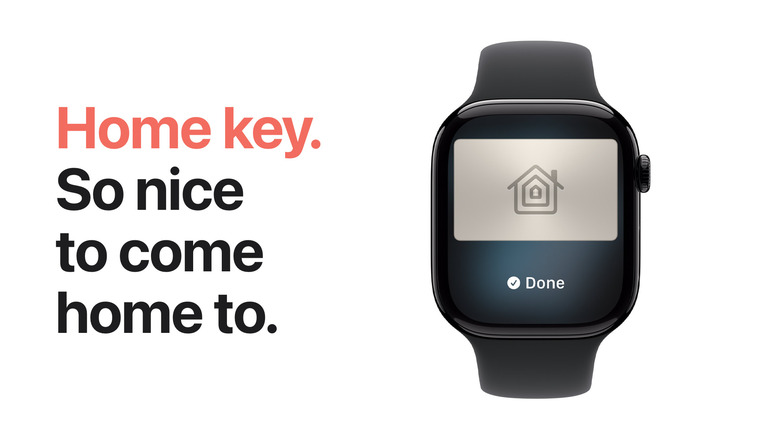
The main draw of Apple Wallet is being able to leave your physical wallet at home. But in some cases, you may even be able to leave all your keys, too. You can store a digital key for compatible smart home locks and cars in Wallet. With participating car brands, you can lock, unlock, start your car and even share your virtual car key using your phone.
Like the Express Mode for public transit, a Home Key can unlock your front door for a short time even when your phone is out of battery. Besides the keys you carry with you every day, Apple Wallet can also load hotel keys, employee badges, student IDs and similar as long as they're compatible (or through a custom pass).
Track your online purchases
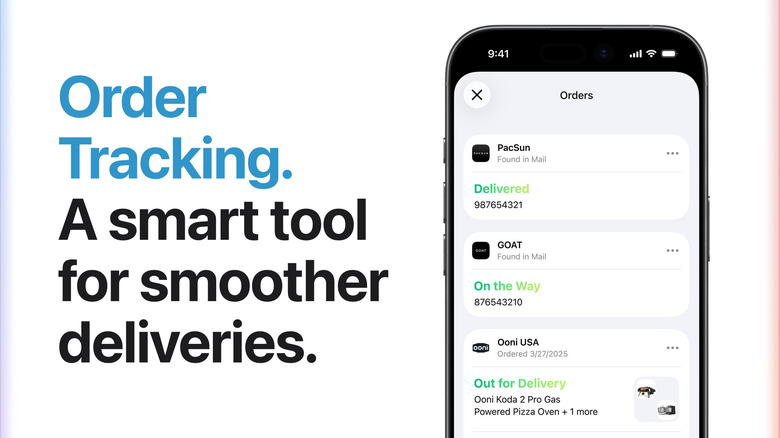
Instead of digging through your emails to find out when your order is arriving, you can open the Wallet app. Tap the three-dot icon in the top-right and choose Orders; once you give permission, Apple Wallet will dig through your Mail inbox to pinpoint tracking information and shipping estimates on your orders.
This has more uses than excitedly counting down the days until your online orders arrive. These panels will also help you contact the merchant in case something goes wrong with your order, or you can share the tracking number and order info with someone else if you're not available to receive the package.