

What are the downsides of a mini PC?
Small space means less cooling, which in turn means less sustained power.
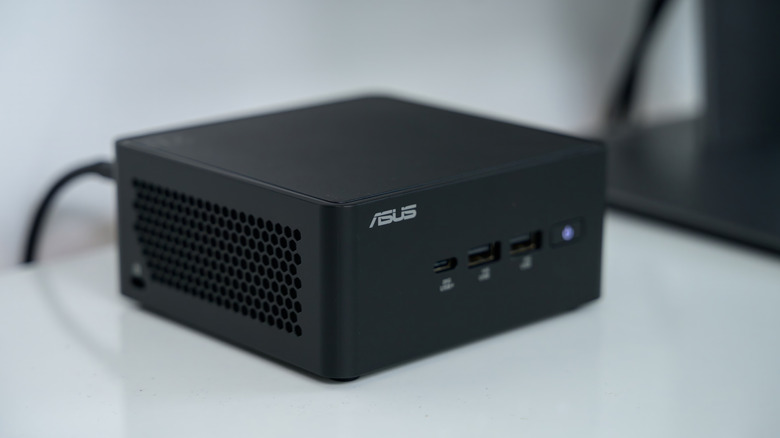
Mini PCs have become a popular alternative to full-size desktops and laptops over recent years. Brands like Geekom, Beelink and Minisforum have appeared, almost overnight, with machines that can fit in your hand while offering performance that can sometimes rival their bigger siblings.
The physical footprint of a mini PC is both a blessing and a curse. Mini PCs are designed to be full desktop replacements, but their size means that they can be tricky to upgrade and even harder to keep cool. Before you rush into mini PC ownership, you'll want to consider these downsides.
Limited options for upgrades
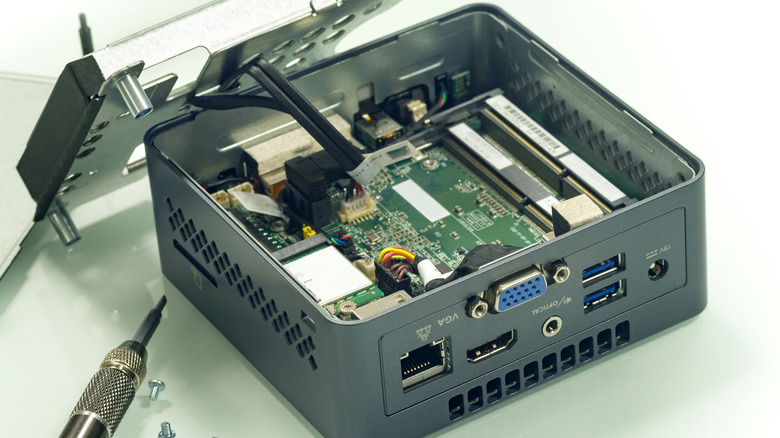
Mini PCs can range in price, from ultra-budget to serious AI workstations, but their components don't differ much from what you'd find in a laptop. Like a laptop, these machines aren't really designed to be upgraded. You aren't expected to be able to swap out a motherboard or replace the CPU. In fact, the CPU and GPU are often soldered onto the motherboard. Unless you're handy with a soldering iron, there's no real route forward to switch these out.
If your mini PC can be upgraded at all, it'll usually allow you to swap out the SSD or RAM. Mini PCs typically come with SO-DIMM memory modules, as well as smaller M.2 SSDs, both of which you'll also find in a modern laptop. It isn't always a given that these are components you can replace, though. You'll find mini PCs on sale that feature both soldered memory and storage that prevent any possibility of future upgrades.
By design, you've also got few options for expansion. The limited space inside a mini PC case means it's unlikely that you'll find extra RAM or SSD slots for upgrades. External I/O might be limited, too, with a smaller number of USB ports, for example.
Some mid-tier and better mini PCs come with OCuLink or Thunderbolt USB-C ports that allow you to connect an external GPU inside an enclosure. This won't allow you to upgrade your mini PC directly, but it can give you extra power for gaming or workstation AI requirements, with some loss of performance compared to a desktop PC.
You've also got a longevity issue. Cheap mini PCs aren't running with the most powerful components, so once they're too slow to use effectively, replacing it fully could be your only option.
Cooling and performance can't compare to a desktop PC
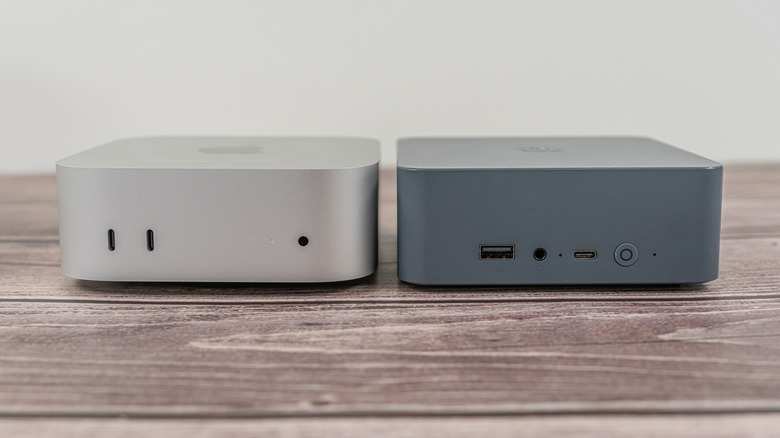
For mini PC owners, performance is a matter of compromise and sacrifice. By choosing the smallest form factor, mini PC owners are choosing to own a machine with none of the air-cooling benefits of a bigger desktop. Space is the limiting factor, as sizing down means there's much less space for fans to be able to circulate cooler air in and out. While mini PCs are designed with complex cooling systems to try and offset this, they can only go so far: you're not achieving RTX 5090-level gaming prowess with one.
That's not to say that powerful mini PCs don't exist, powered by CPUs like the AMD Ryzen AI Max+ 395, which offer performance power to rival desktop equivalent CPUs like the AMD Ryzen 9 9950X. These machines may be closing the gap to rival larger desktops for their CPU performance, but the physical limitations remain. It all comes back to raw power. Sustained performance under heavy load means more heat, and more cooling. Mini PCs are at a disadvantage here compared to desktop PCs, which have more fans or liquid cooling to push components harder.
Laptops offer a similar challenge from a build perspective, with cooling and power that's tricky to scale upwards. Like high-end laptops, mini PCs that can deliver high-end performance will get very hot and, as a result, will become very noisy under sustained loads. There's no way around this. Being built inside a mini PC case means it's an even harder job for the machine to stay cool enough to keep running. Traditional liquid cooling isn't a practical option due to the limited space, either.
Admittedly, this isn't as big an issue with low-power mini PCs. The modern, low-end CPUs used in laptops and mini PCs are typically more power efficient, generating less heat simply by using less electrical power. The compromise here, however, is that performance won't compare to a high-end machine.
Mini PCs aren't designed to be user repairable
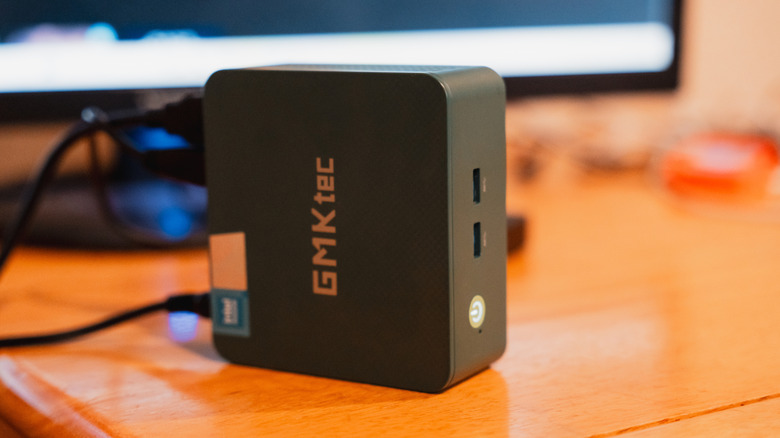
Building a desktop PC, even inside a smaller case, will leave you with some options for repairability. If the power supply blows up, assuming no other components are damaged, you can swap it out. If the components are damaged, you can replace them, too.
With a mini PC, you don't have the same luxury, as they aren't designed to be repairable in the same way as a desktop PC. Instead, you can treat a mini PC like you would a laptop. Should the CPU or motherboard fail, sourcing a replacement from a retailer will not be an option. Instead, you'll be left to look at your options for repair under warranty or, more likely, just buying a new one.
Mini PCs can be a poor value investment
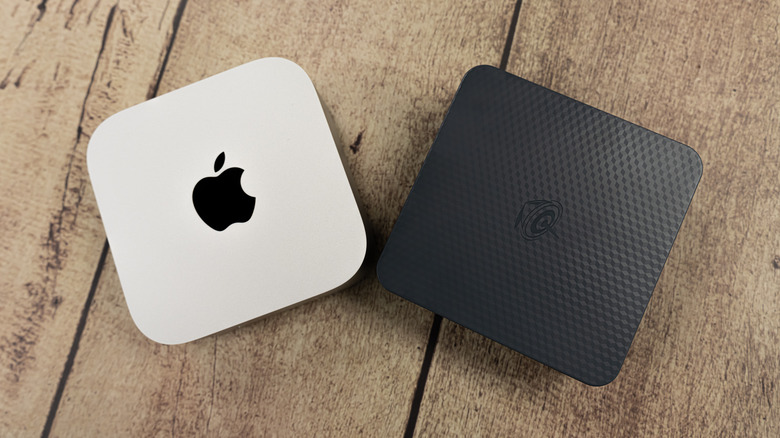
The Beelink SER5. The Asus ROG NUC 16. These products exist at both extreme ends of the PC hardware market, with the former priced at $389, and the latter priced as high as $4,999. Yet, they're both mini PCs. They fit inside small (or reasonably small) cases, feature mobile-grade components and use less electrical power than a desktop PC.
To match a desktop PC's raw power, or even get close, you'll be paying a premium. $5,000 will still get you an extremely powerful traditional desktop PC with better performance and more room for future upgrades compared to mini PCs like the NUC 16. That's even more important as we see prices going up across the board, thanks to the spiralling costs for RAM and SSDs caused by AI.
This makes the value of investing in a mini PC harder to justify. If you have $5,000 to spend on an Asus ROG NUC 15, or even just $400 to spend on the Beelink SER5, you could choose to buy a laptop or PC from a better-known brand to last you five years or longer, with a better and more robust warranty period. At the lower end of the market, a second-hand desktop might not last as long, but could still be cheaper and faster than a mini PC for the same cost, while budget laptops and PCs exist with similar specs.
Mini PCs designed for the ultra-budget price bracket, around $600 or less, do still exist, even as we see AI forcing prices up. The value you get from these will depend, once again, on compromise. These aren't designed to be hugely powerful, but exist as cheap options for office work and browsing. If you're choosing a mini PC for its price, performance is going to be the biggest potential bottleneck, and something you'll need to consider before you make your purchase.